
Remembering your pup
How do I remember my dog after they pass away?
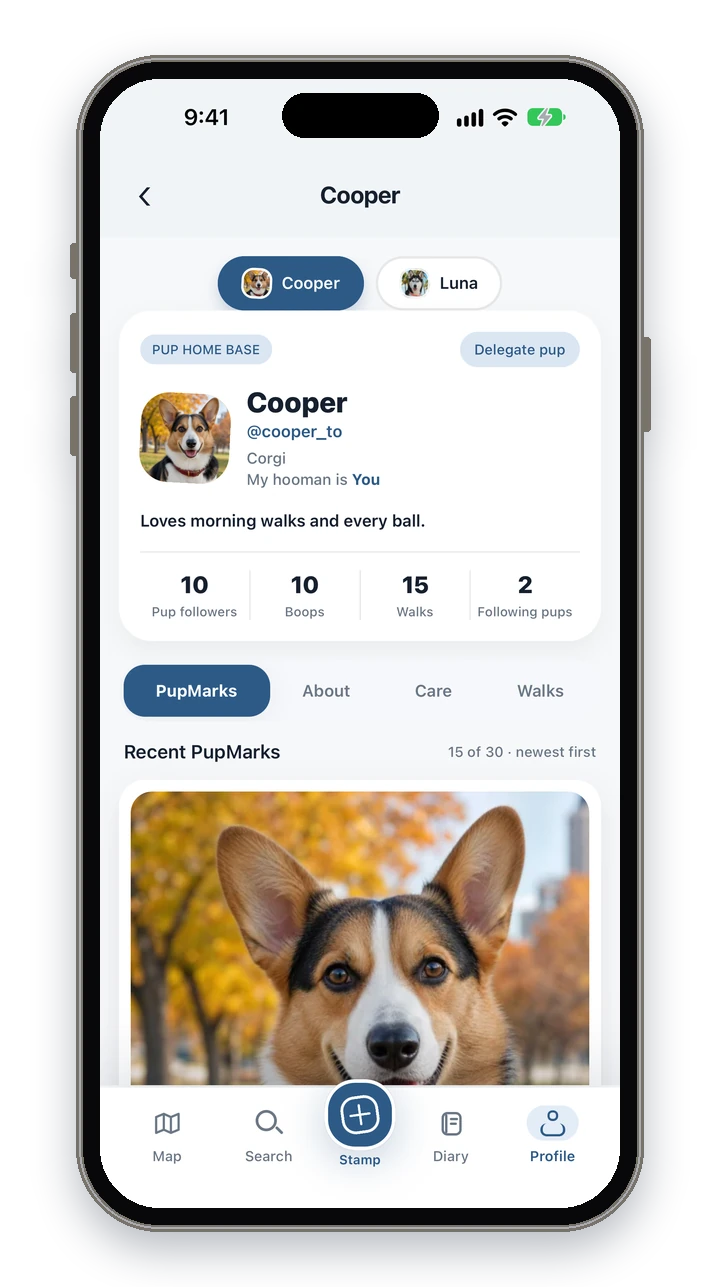
There is no right way to do this, and you can take all the time you need. Many people gather their dog’s photos and favorite moments in one place they can come back to. If it helps, PupMarks can keep your pup’s diary as a memorial.
Can PupMarks keep my dog’s memories after they pass?
Yes. You can move your pup to memorial. Their profile becomes a memorial, their diary stays as it was, and PupMarks adds one final PupMark.
You do not have to do this now, or at all. Your pup’s profile stays as it is until you decide.
How do I move my pup to memorial?
Open your pup’s profile, go to About and tap Move to memorial in the Manage section. Read what will change, then confirm.
- Open Profile and tap your pup.
- Open the About tab.
- In the Manage section, tap Move to memorial.
- Read the screen. It explains what changes and what stays.
- Confirm with the button that names your pup, or choose to keep your pup active if you are not ready.
Only the owner can do this. If your pup has a rehoming invite waiting, cancel it first.
What changes when my pup is in memorial?
Your pup’s profile becomes a memorial, and PupMarks adds one final PupMark that says your pup will always be remembered with love. It has no map or location.
- Your pup can no longer start walks, stamp PupMarks or create posts.
- Your pup cannot send or get new follow requests. Waiting requests are cleared.
- Pup pals who already follow your pup can still visit the memorial, and PupMarks may send them a notification.
- The final PupMark is permanent: it cannot be edited or deleted. You can open it to Boop or share it.
What stays after my pup moves to memorial?
The memories stay. Your pup’s PupMarks, walks, photos and profile details remain available from the memorial.
Open a saved walk from your pup’s Walks tab to see its route again, and tap Relive it to watch it as a Replay video.
Does a pup in memorial count toward my free pup?
No. A memorial pup no longer counts toward your free pup. If you have no other living pup, you can add a new one for free. Another living pup still uses the free spot.
Can I undo moving my pup to memorial?
No. Moving a pup to memorial cannot be undone in the app. If you did it by mistake, contact support.
That is why the app asks you to read before you confirm, and why you can choose to keep your pup active and wait.
Who can see my pup’s memorial?
The memorial keeps the privacy your pup’s profile already had: private, shared with followers, or public. People who already follow your pup can still visit.
The final PupMark has no map or location, and walks always stay private.
Where do I find my memorial pups later?
Open Profile and tap Past Pups. Your memorial pups are listed there, and tapping one opens its memorial profile.
What if I do not want a memorial?
Memorial is optional. You can leave your pup’s profile as it is, or remove the profile completely with Delete in the Manage section, which permanently removes their memories.
When this guide helps
Losing a dog is losing a family member. There is no schedule for grief, and nothing here needs to be done today.
- You would like your pup’s photos, walks and favorite moments to stay together in one place.
- You want to know what happens to your pup’s profile and diary before you decide anything.
- You have a pup who is unwell, and you would like to save a few moments while there is time.
- You are not ready yet, and just want to know the choice is there when you are.
Step by step: save a memory first
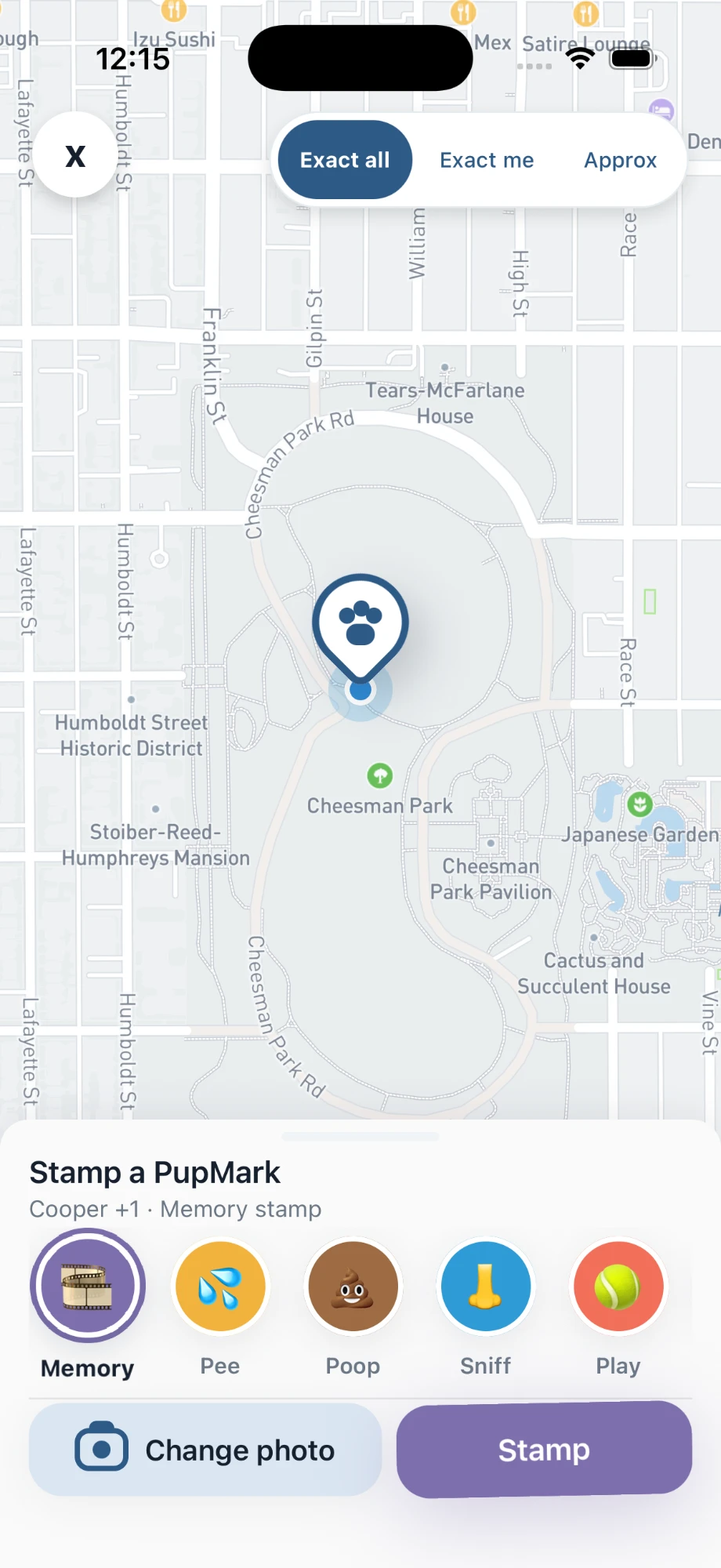
If you would like to add something to your pup’s diary before moving to memorial, you can do that now. A pup in memorial can no longer stamp new PupMarks, so this is the time for any last additions.
- Start a PupMark for your pup.
- In the Stamp sheet, choose the Memory category.
- Add a photo, and write a note in your own words if you would like to.
- Choose the location precision you are comfortable with.
- Save the PupMark.
Step by step: look back through your pup’s walks
- Open Profile and tap your pup.
- Open the Walks tab.
- Tap a saved walk to see its route again.
- Tap Relive it to watch the walk as a Replay video.
You can do this whether or not your pup has moved to memorial. Replay is made on your phone, and you can save the video to Photos.
Your choices in PupMarks
You can move your pup to memorial soon, later, or not at all. All of these are fine. The diary stays as it was until you decide, and PupMarks asks you to read before you confirm.
Questions people ask
Is there a right time to do this?
No. Take as long as you need. Your pup’s profile stays as it is until you move it to memorial.
Will my pup’s photos and walks be deleted?
No. Moving to memorial keeps your pup’s PupMarks, walks, photos and profile details. Only the Delete option in the Manage section removes a profile and its memories for good.
Can I still look at my pup’s walks?
Yes. Open a saved walk from your pup’s Walks tab to see the route and watch it as a Replay.
Can I add a new photo after my pup is in memorial?
No. A pup in memorial can no longer stamp PupMarks or create posts. Save anything new first, or keep your pup active until you are ready.
Can I get another pup?
When you are ready, yes. A memorial pup does not count toward your free pup, so with no other living pup you can add a new one for free.
Who can see the memorial?
It keeps the privacy your pup’s profile already had. Walks always stay private, and the final PupMark has no map or location.
Related guides
- How to rehome a dog: for when a living pup is moving to a new family.
- Pup profiles in PupMarks: what a pup’s profile holds.
- A Pup Diary for more than one dog: for when another pup joins your home.