
For dog-friendly businesses
Be where the walk happens.
Approved businesses with an active trial or paid plan get a dedicated pin at their real location, a customer-facing profile, and tools for offers and visits.
The placement
A real spot on the map, not a generic ad.
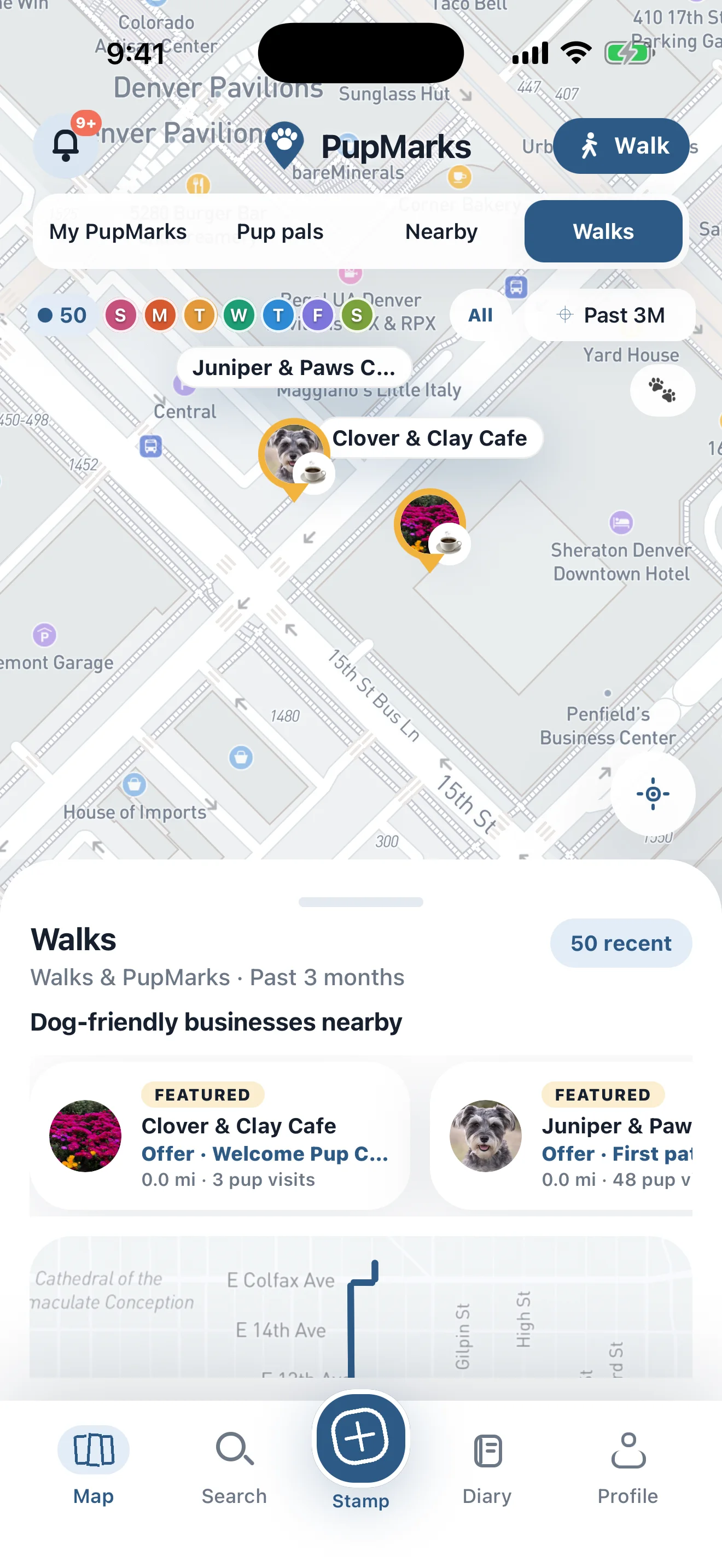
Your approved pin appears at the business’s real location. A customer selects the pin to open your business profile, see your perks and active offers, follow your business, or record a visit.
What customers see
From your pin to an in-store redemption.
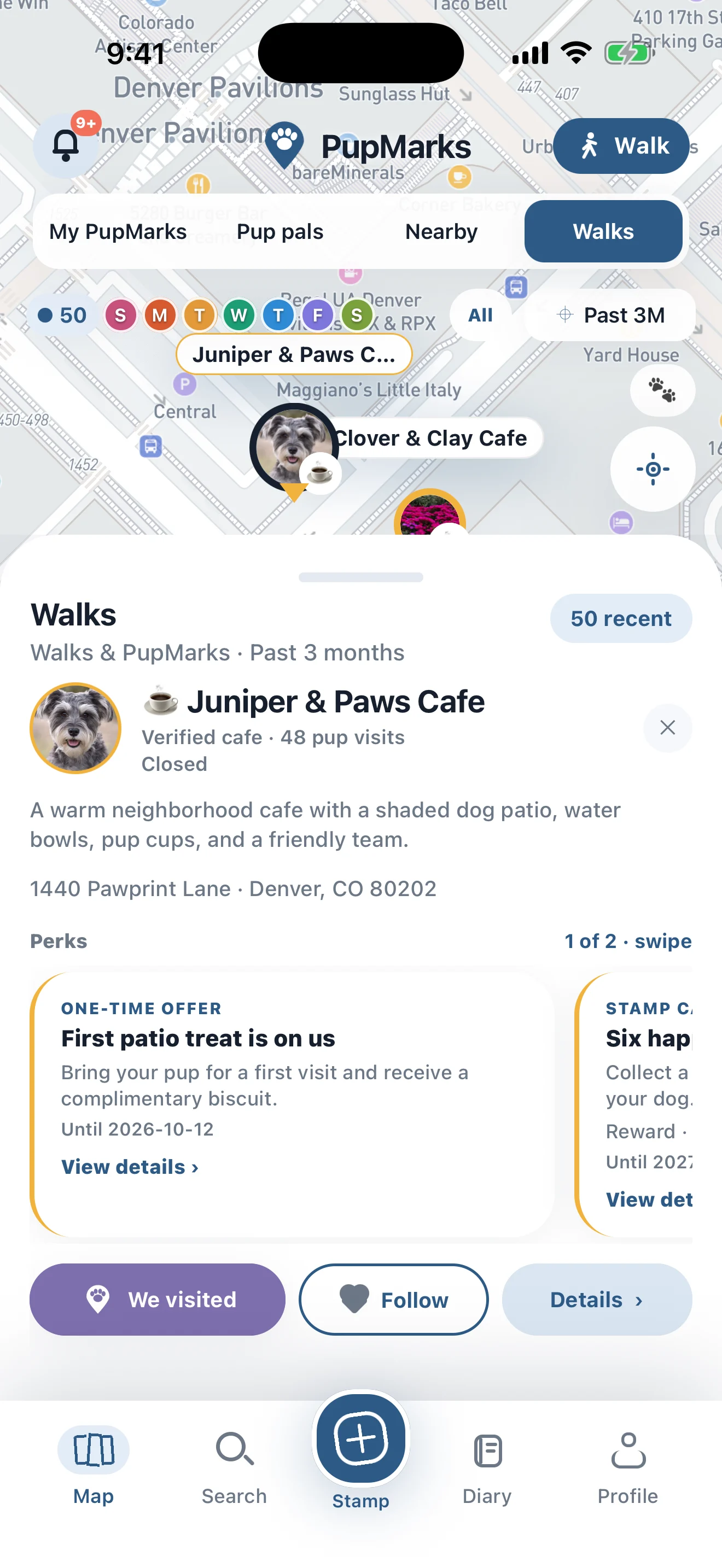
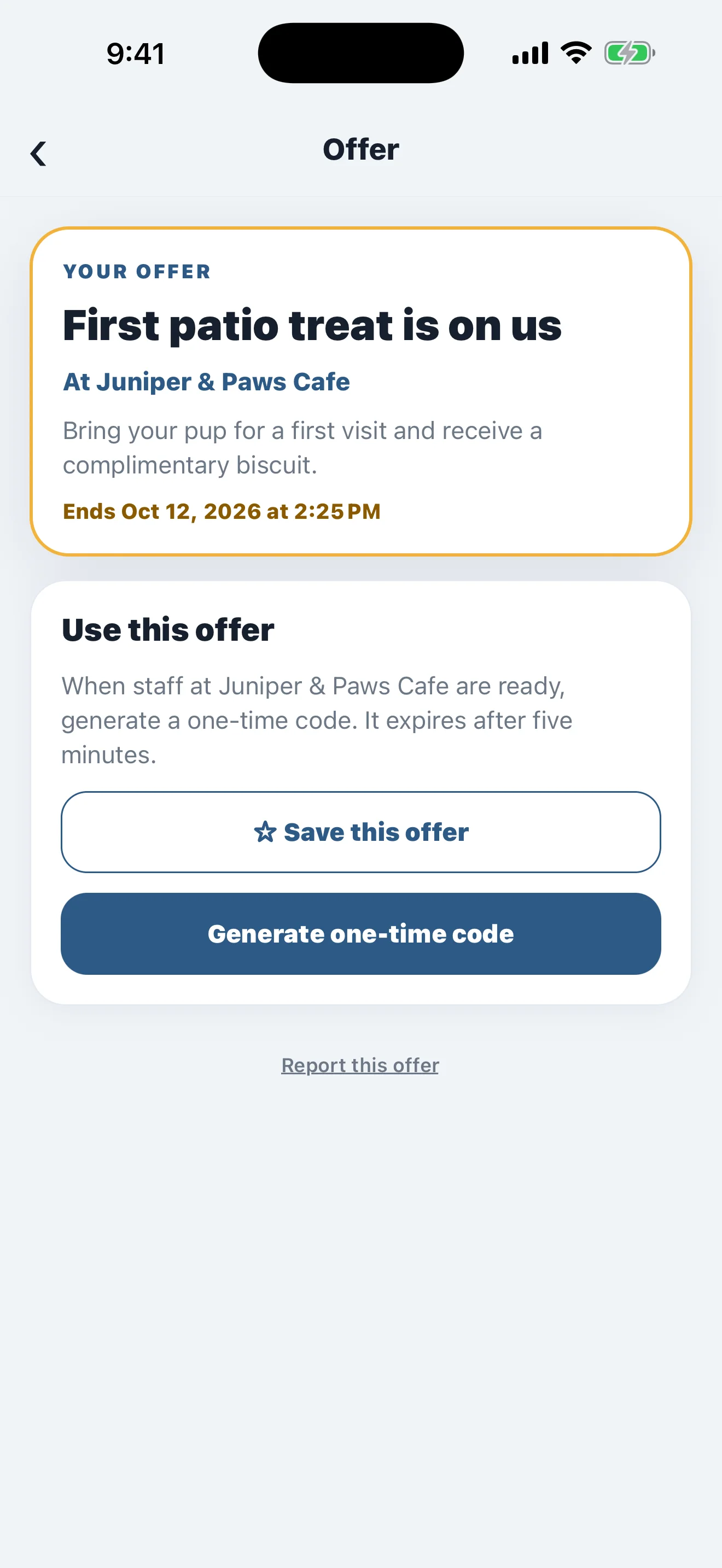
A customer selects your pin, views your business profile and perks, and opens an offer. They can save the offer for later or generate a one-time code when they are ready to redeem it. The code expires after five minutes.
How to apply
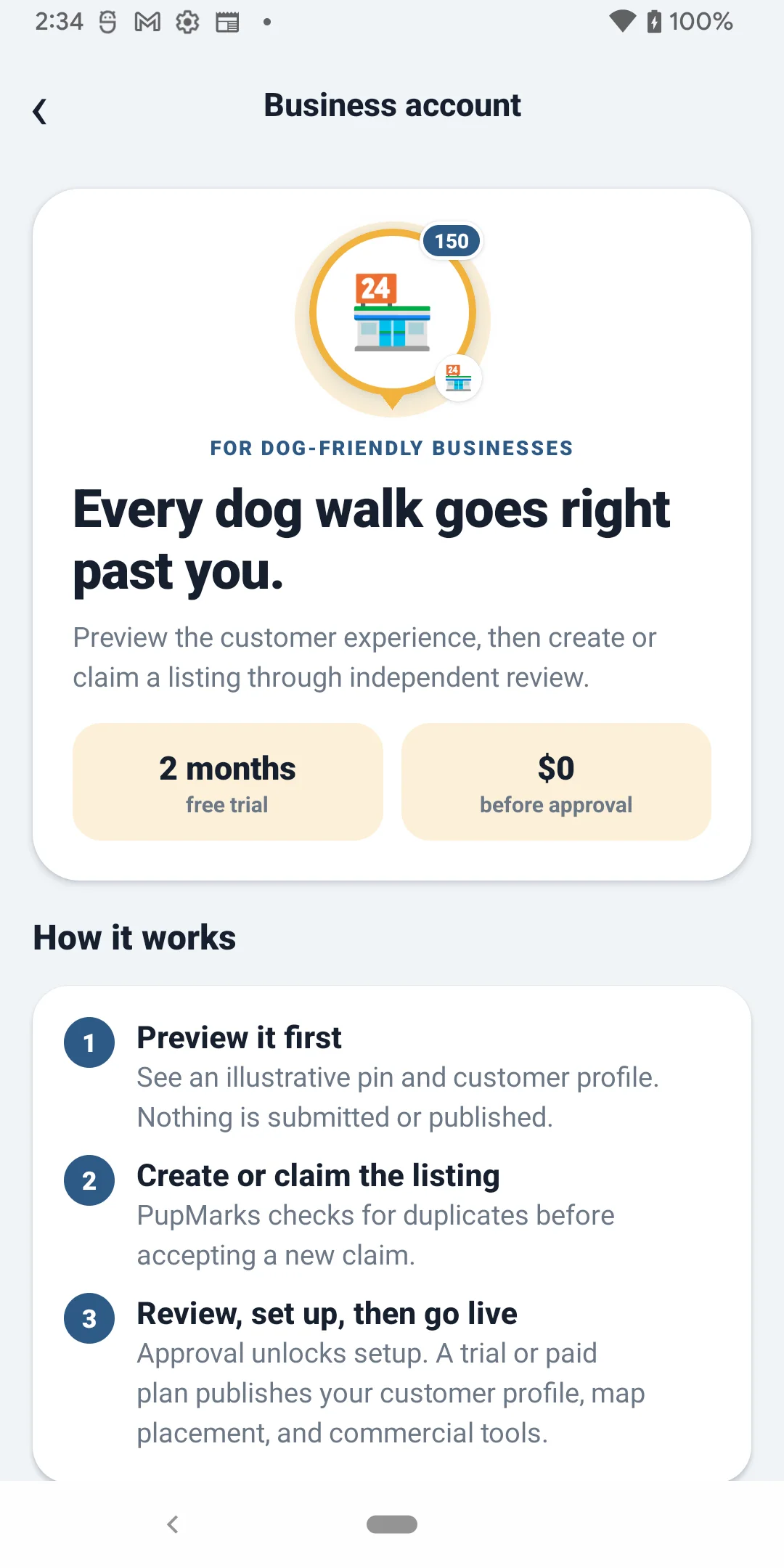
Open Business account and follow these steps.
Have your business website, business email address, EIN, and a clear photo of your EIN document ready before you start.
- 1
Open Business account
In the PupMarks app, tap Profile in the bottom navigation. Scroll to Optional roles, tap Business account, then tap Create or claim your business.
- 2
Check for an existing listing
On Find your business, enter the business name or street address and tap Check for matches. If the correct result is available to claim, tap Claim this business. If it says the listing already has an owner, contact support@pupmarks.com. If your business is not listed, tap Add a new business.
- 3
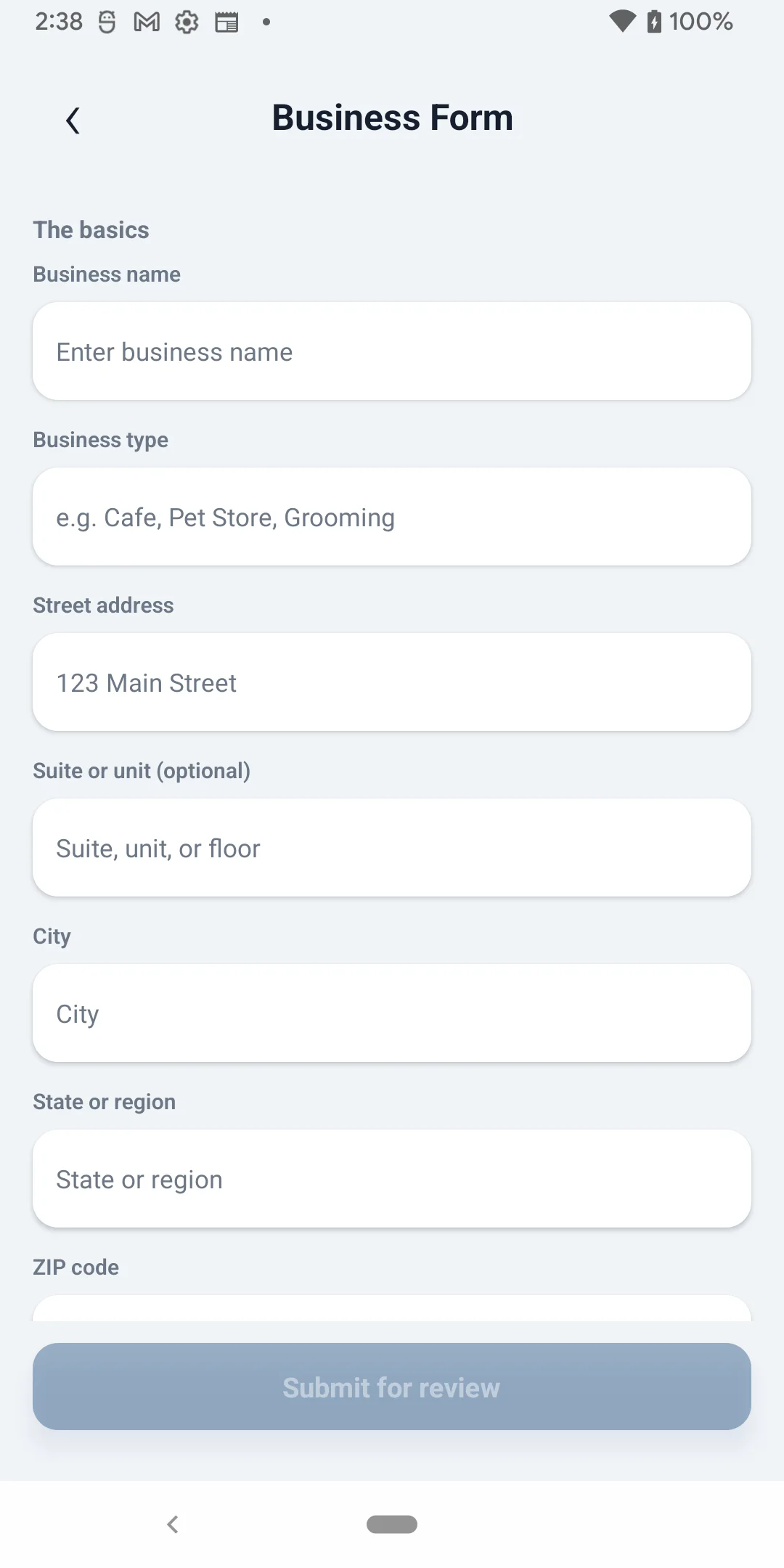
Complete the Business Form
Enter the business name, type, street address, city, state, ZIP code, country code, and website. Add a description if you want. Under Proof you run it, enter the business email and EIN, then tap Add a photo of your EIN document. Tap Submit for review.
- 4
Confirm the business email
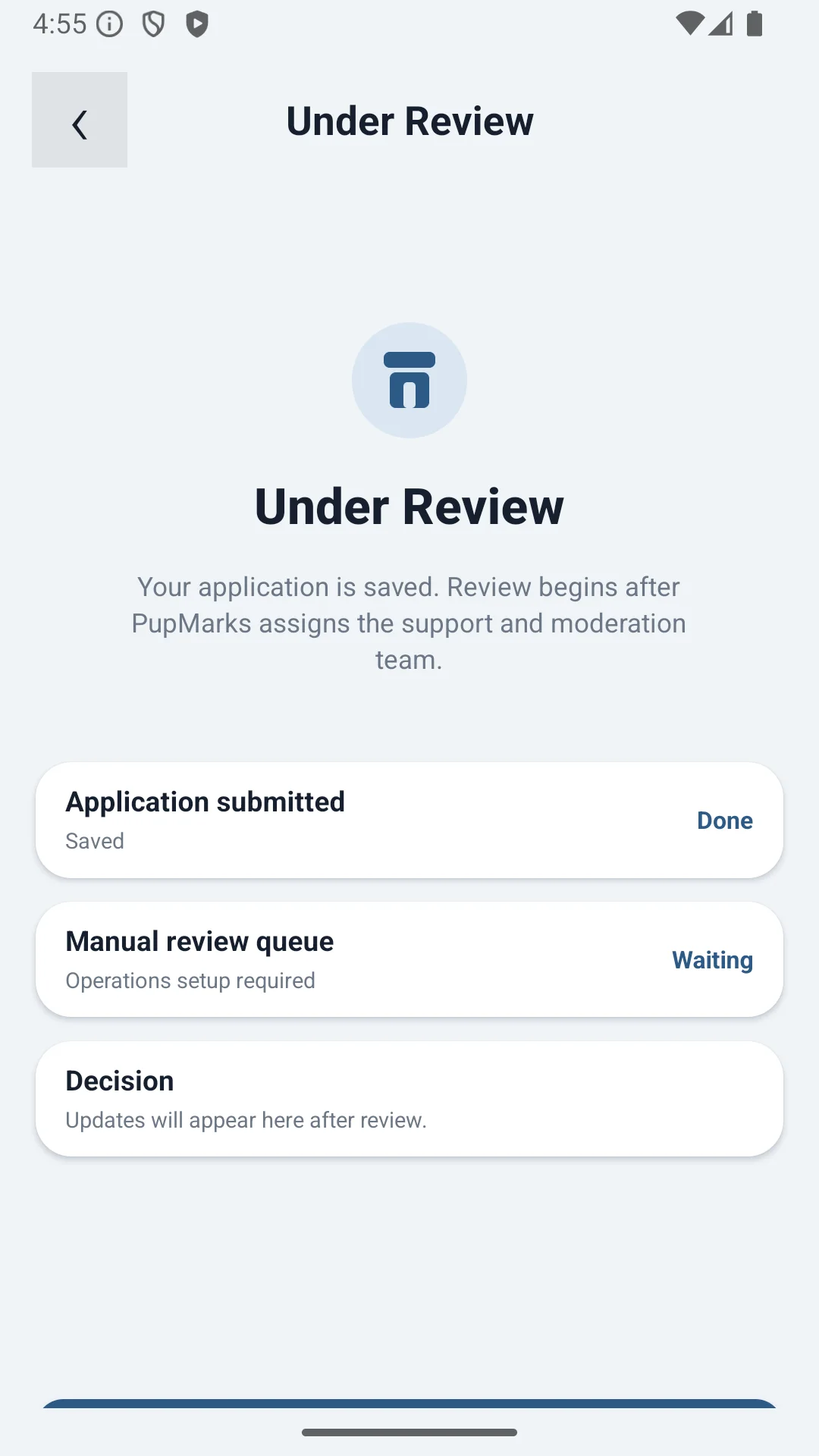
Open Your claim and tap Confirm business email. Enter the 6-digit code sent to the business email, then tap Confirm code. PupMarks reviews the website, email, EIN, and document before approving the claim.
- 5
Finish setup after approval
When Your claim says the business is approved, tap Continue setup. Add the public profile, hours, photos, and offers. Start the free trial or paid plan to publish the profile, pin, and business tools.
Questions before applying?
Talk to the product team.
Email product@pupmarks.com.